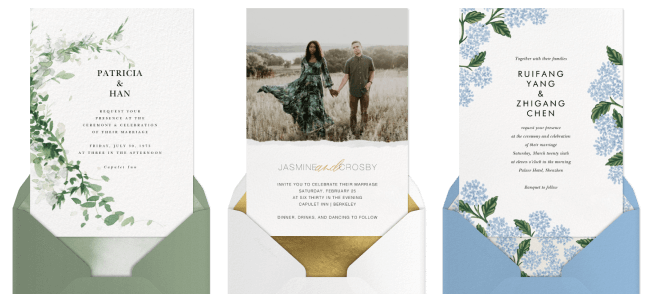
How to make a digital wedding invitation with Paperless Post
Whether you’re tying the knot in a small, intimate ceremony or inviting everyone you know to a black-tie ball, your wedding invitations set the tone and style for your big day. When it’s time to choose and send your invitations, we know how important every little detail is to the newlyweds-to-be—and you can create a digital wedding invitation you love in minutes with Paperless Post. Browse our vast selection of templates, customize your invitation with our easy-to-use design tools, then include your wedding details. After finalizing your guest list, add their contact information, then send your wedding invitation via email, text, or link.
There are so many reasons to send an online wedding invitation with Paperless Post, beyond the fact that no one can claim their invitation got lost in the mail. Paperless Post gives you the ability to choose the perfect design, customize it however you like, and easily track and manage your guests, so you can spend less time stressing over missing RSVPs and more time practicing that first dance with your fiancé (not that you need it, of course!).
From choosing your favorite font to planning your dinner menus, learn how to create and send wedding invitations as unique as your love story. (Need more inspiration? Take our wedding style quiz to find the perfect vibe for your big day.)
How to make a digital wedding invitation in 5 steps
1. Select an invitation template
Start by browsing wedding invitations and choosing a design that feels right for you. With Paperless Post, you can filter by styles and themes, like elegant, romantic, rustic, boho, and more.
2. Customize your design
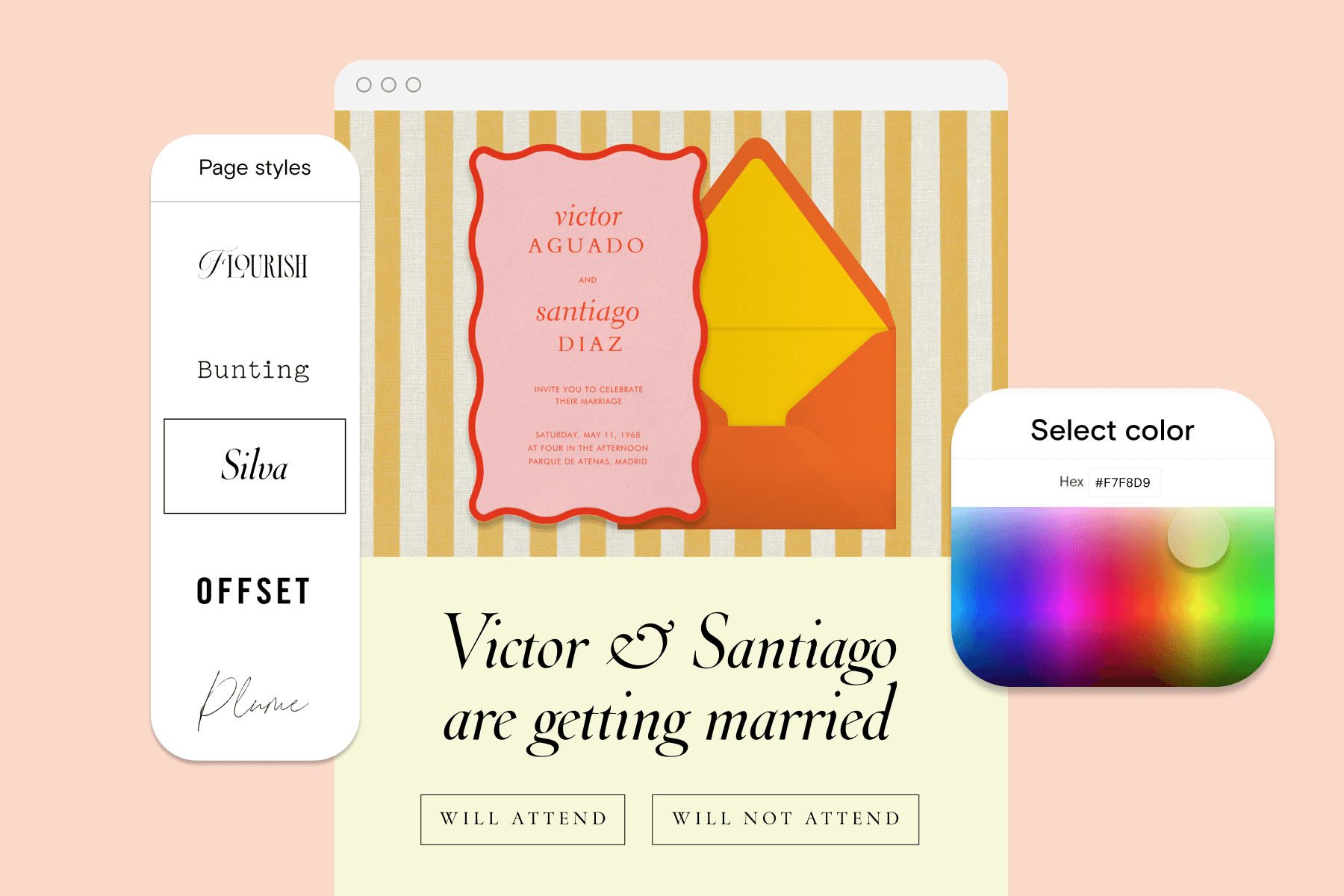
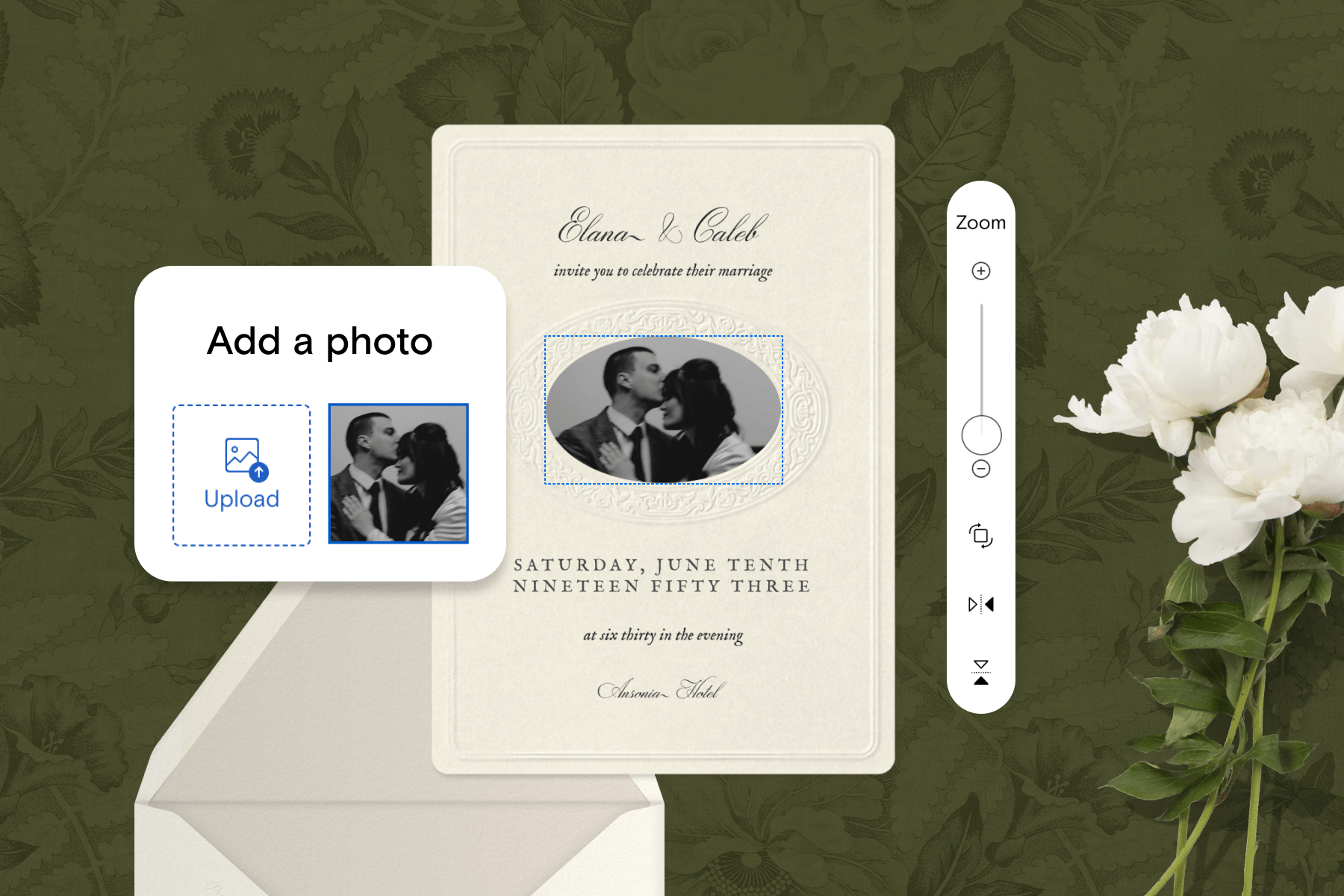
Personalize your wedding invitation so it speaks to the celebration to come. Play with different colors and fonts, and if you’d like, add a personal photo of the happy couple.
3. Include core wedding event details
On your invitation, include when and where the ceremony will take place, what time guests should arrive, and other information guests should know at first glance.
4. Add your guests
After you’ve curated your wedding guest list, add their phone numbers or email addresses—however you’d like the invitation to reach them.
5. Send invitations via email, text, or link
When you’re ready to send your wedding invitations, deliver them instantly via email, text, or link.
Digital vs. printed wedding invitations
Deciding between digital and printed wedding invitations ultimately depends on your personal preference and biggest priorities.
Printed wedding invitations tend to be pricier and less eco-friendly, but can be a great option for those who want a physical invitation as a keepsake from the wedding. Digital invitations are an eco-friendly way to share the news of your upcoming wedding while preserving the special, personal, and logistical functions one looks for in a wedding invitation.
If you’ve already designed a wedding invitation on a design platform such as Canva or Adobe Express but are leaning toward digital sending instead of print, you can upload your own design with Paperless Post and take advantage of our built-in RSVP tracking and intuitive guest management features. While other online design platforms let you export your wedding invitation design file, Paperless Post lets you design and track your wedding invitations all in one place. And, if the happy couple wants a printed invitation keepsake to commemorate the special day, they can! You can find more information on downloading a printable keepsake here.
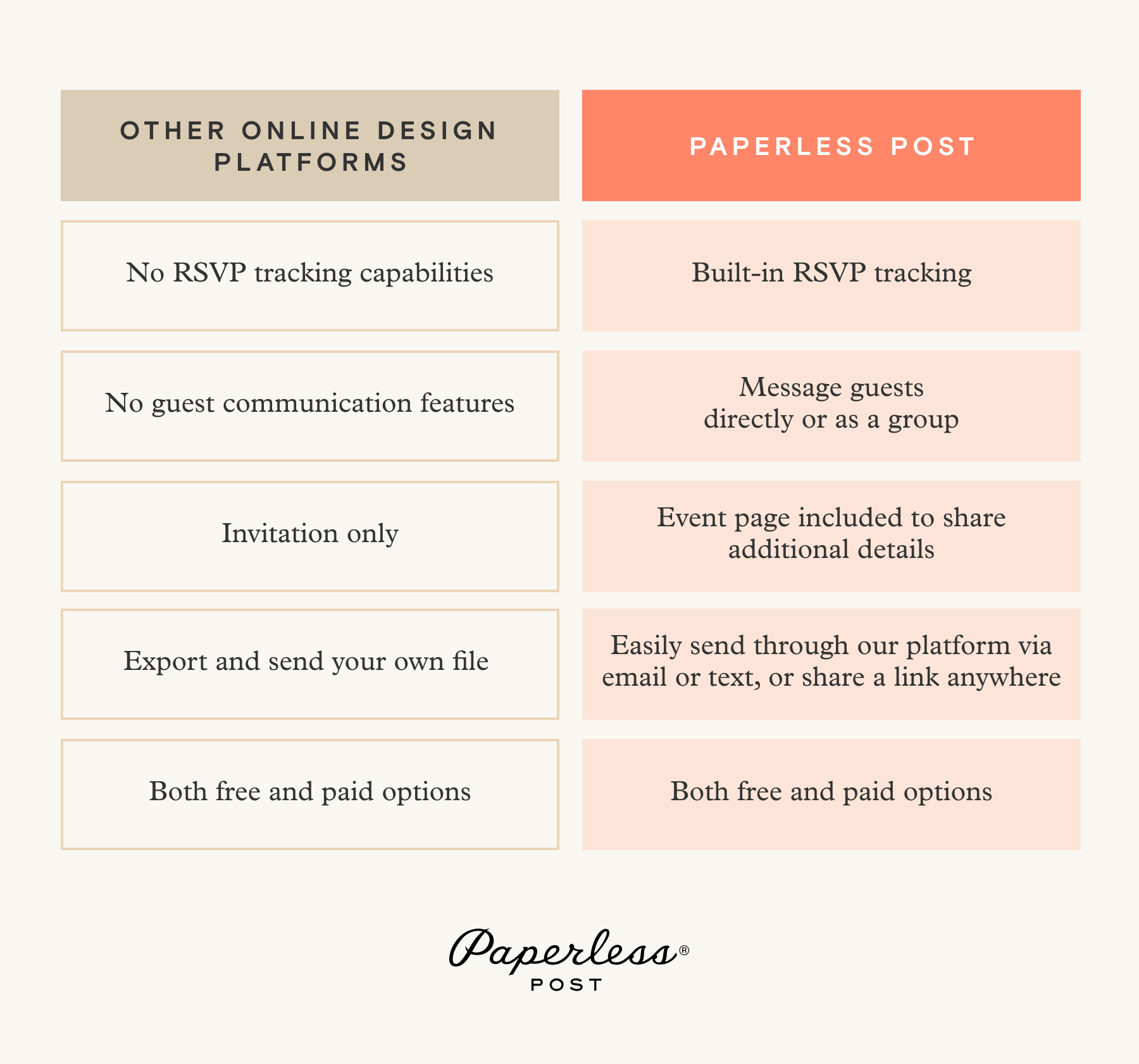
Your wedding invitation walkthrough
If you’re looking for a helpful wedding invitation guide exploring Paperless Post’s design and guest management features, you’re in the right place! Learn more about how you can create the perfect wedding invitation for the big day using our all-in-one platform and convenient tools.
Browse wedding invitation designs
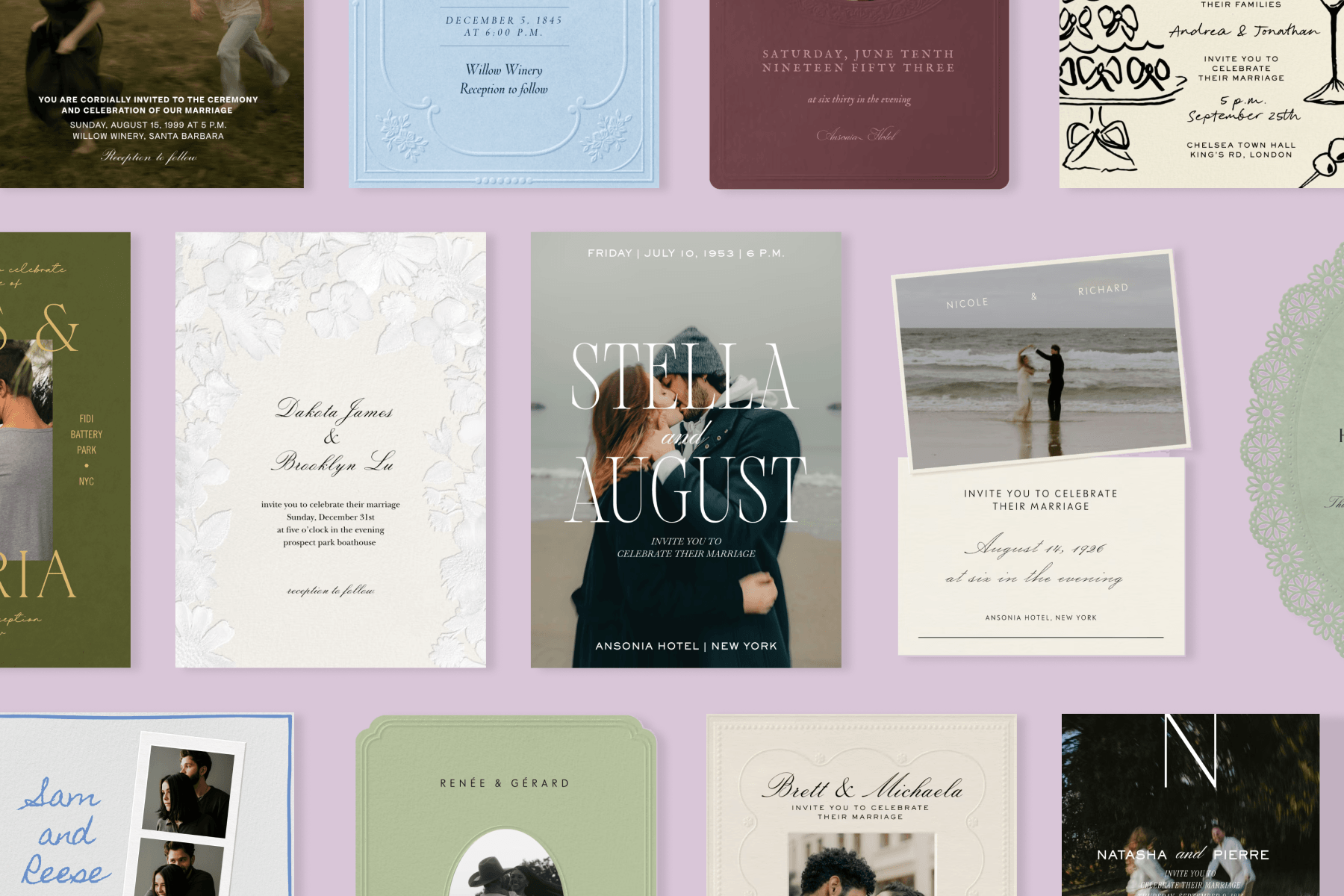
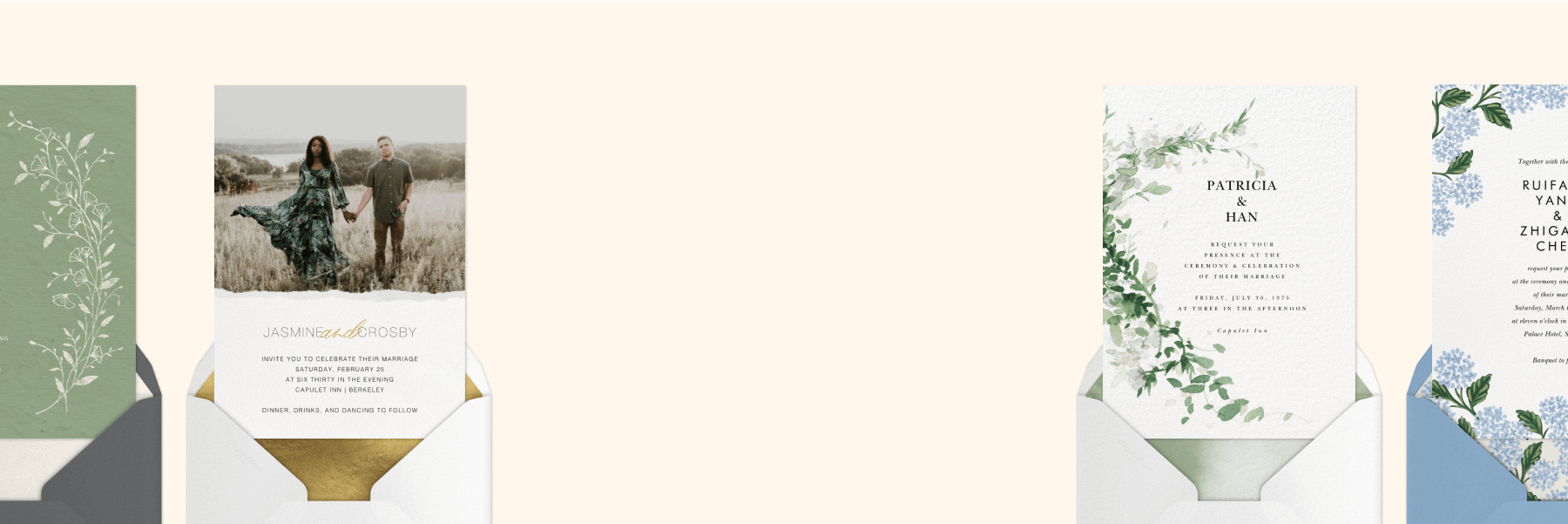
Whether you’re channeling the romantic extravagance of an abundant rose garden or keeping things simple and sleek, our extensive collection of online wedding invitation designs has something for everyone. Filter thousands of designs and templates by style, like rustic, classic, romantic, or boho. Or browse by designer and explore beautiful invitations from Paperless Post design partners such as Oscar de la Renta, kate spade new york, or Monique Lhuillier. You can also filter invitations by theme, season, color, and photo count to find exactly what you’re looking for.
Customize your invitation design
No professional design experience needed—Paperless Post makes it easy to edit your invitation’s fonts, colors, layout, and more until it looks like the exact custom wedding invitation you’ve always envisioned. You can even add a special personal touch and impress guests by uploading your monogram to your invitation.
You’ll also choose from our collection of stamps to match your Card, pick a corresponding backdrop, and select whichever envelope and liner you’d like your guests to see as they digitally open their invitations with excitement.
Add the details of your special day
Make sure your invitation includes all the information guests will need as they eagerly anticipate the wedding day. Simply type everything into your design’s template: add the hosts’ names, the event date, timing information, and the location.
No need to fill your invitation with too much wording, though—you can always add additional details later!
Create an event page to match
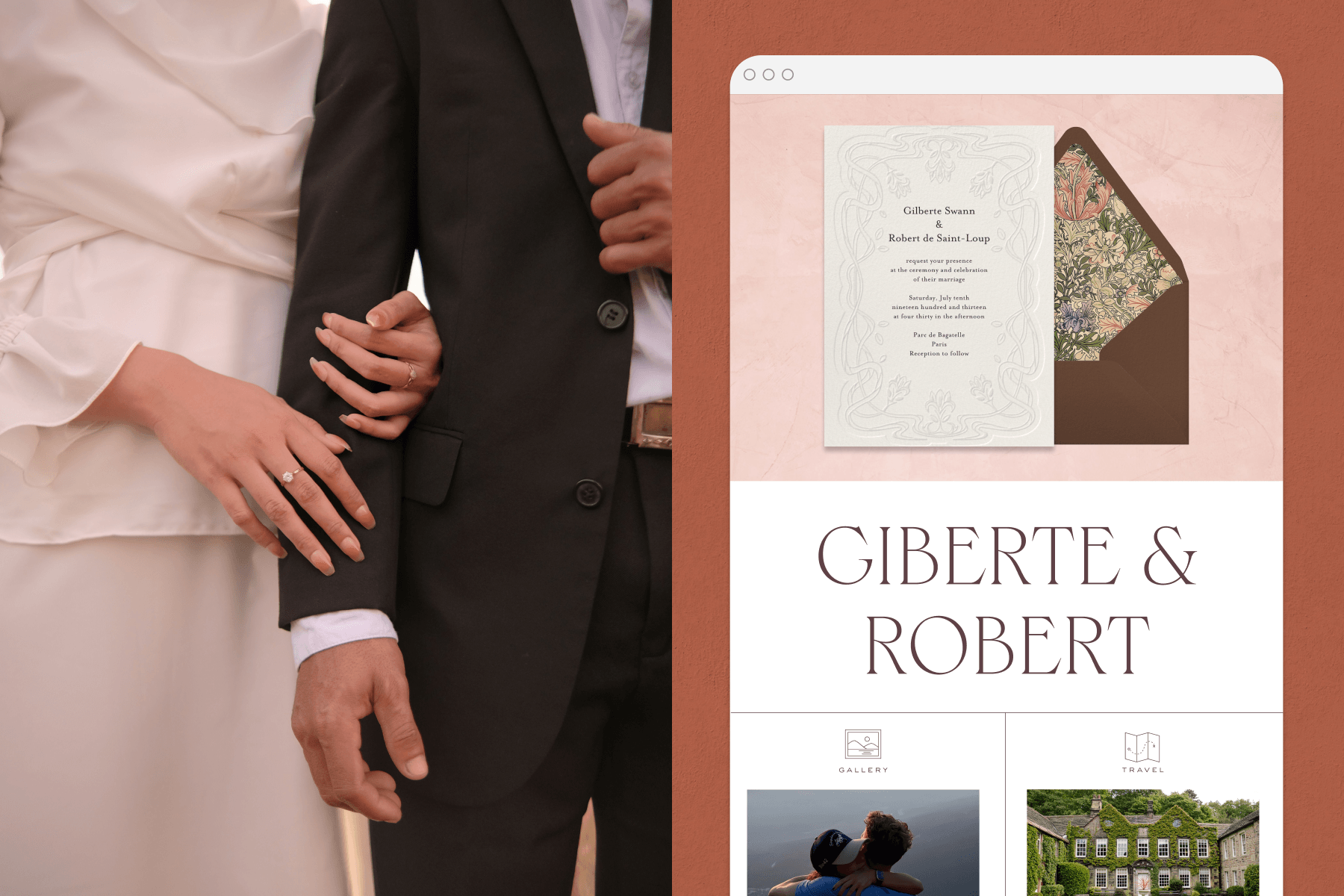
Your event page is where you provide all the additional information guests will need to know beyond just the date and time, so why not customize it to be just as visually cohesive and eye-catching as your invitations?
Choose from our Page Styles and select specific fonts and colors to complement your invitation design, style, and color scheme. Once everything looks just right, add all the details for seamless pre-wedding planning for you and your guests.
Add helpful details with Blocks
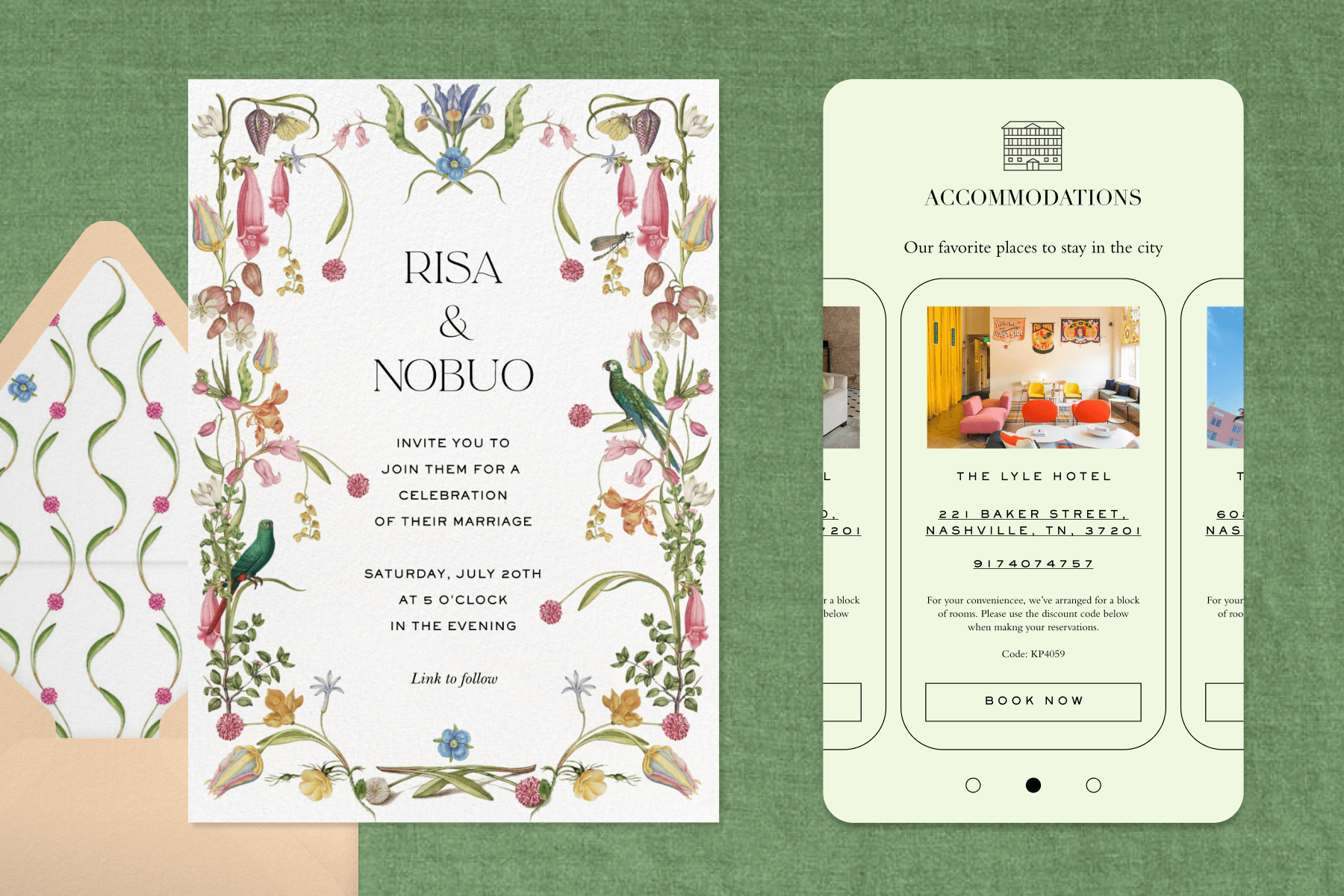
Include the information guests will need as the wedding approaches, all in one convenient place. Blocks are helpful sections you can add to your event page to relay important event details in an organized way. There are several different types of Blocks you can add to your page, such as a Schedule Block, to let everyone know times and locations for events like your welcome drinks, cocktail hour, ceremony, reception, post-wedding brunch, or any other part of the planned festivities.
Add an Accommodations Block to relay hotel block information, and a Travel Block to provide information on any nearby airports or transportation details. A Details Block can also be useful for additional information you want to provide, such as the dress code, venue parking instructions, driving directions, or anything else you want to communicate.
You can also add a Registry Block, which lets you attach clickable links to anywhere on the internet where you’ve set up your registry. Add a Wedding Party Block to introduce guests to members of your wedding party with their photos, roles, and bios. You can also add a Links Block to attach a clickable hyperlink that leads guests to your wedding website. Blocks help transform your invitation into a one-stop shop guests can refer back to for helpful planning information and details.
Gather info from guests to help you plan
Send Guest Questions with your invitation to collect useful information from your guests along with their RSVPs. Ask either open-ended, multiple-choice, or checkbox-style questions to gather information such as mailing addresses or meal preferences.
You can even organize your guest list later based on their responses, with Guest Tags. Sort attendees into helpful categories (that only you can see), like ‘Chicken’ or ‘Fish’ or ‘Vegetarian’. That way, you’ll be able to let the caterers know how many of each meal option to prepare as soon as your RSVPs start rolling in!
Add your guest list
Now it’s time to form your wedding guest list. Add your guests manually, one at a time with their email addresses or phone numbers, or upload a spreadsheet of contacts, paste a list, or connect your address book and select recipients. However you prefer to put your guest list together, Paperless Post can help you keep everything convenient and organized.
You can also send one combined invitation to a group, such as a couple or family. Each member of the group will receive the invitation and can view other members of the group, but one member will be able to RSVP for everyone.
Preview your invitations
Before you deliver the finished product to your guests, preview your wedding invitation one final time directly on our site, or email yourself a test invitation to make sure all the details are just right. Double-check for any typos and confirm that all your design choices look just as you envisioned. Then, once everything is exactly to your liking, get ready to hit send!
Send them out, your way
Deliver your polished wedding invitations to guests via email, text, or Shareable Link. If you’re sending invitations via email, you can also customize the message guests receive in their inboxes. Choose fonts and colors to match the email to your invitation style, so guests will be impressed from the very first open.
You can also create a Shareable Link for your wedding invitation’s event page, which also gives you the option to generate a unique URL or a downloadable QR code. You can also password-protect your event for added security. Create a Custom URL so that guests can easily refer back for pertinent details, like the dress code and schedule, as they prepare to dance the night away.
Wedding planning at your fingertips, with our app
Download the Paperless Post app to stay on top of wedding planning with instant notifications and on-the-go updates. Track RSVP statuses in real time and message your guests individually or as a group, without even opening a laptop. In the app, you can manage event details while you’re getting your bridal pedicure or tasting cake options—who could ask for more convenience than that!
Wedding invitation FAQ
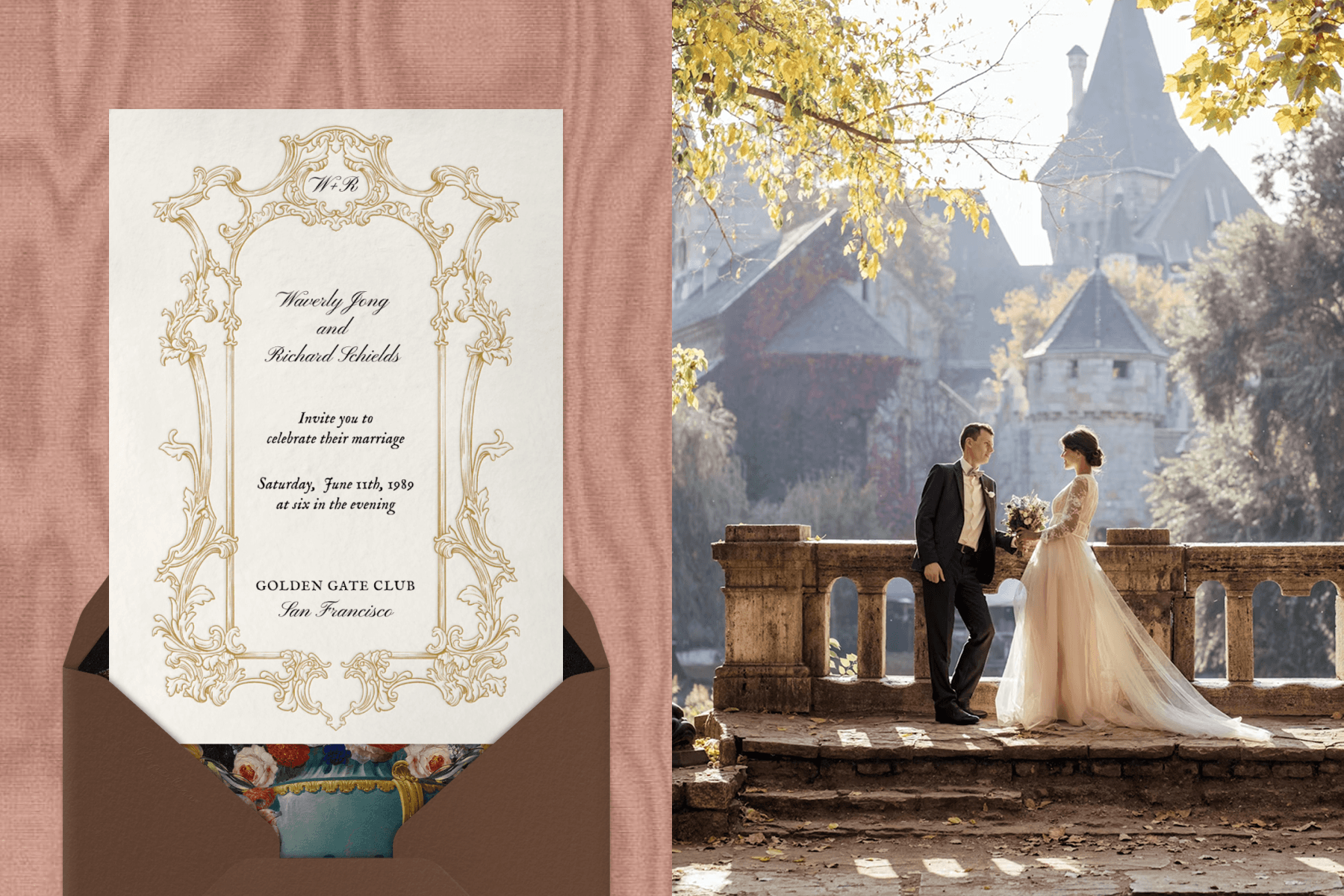
Can I make a digital wedding invitation for free?
We offer free options for digital wedding invitations, as well as paid templates. You can also create your own free Flyer from scratch. When browsing wedding invitation templates, you can browse free designs and choose your favorite. From there, additional customizations may fall under paid feature sets, depending on which customizations you apply to your wedding invitation design.
What’s the best platform for digital wedding invitations?
Paperless Post’s advanced suite of easy-to-use design tools and intuitive guest management features let you create your dream wedding invitation, complete with a monogram, event page, and more—all while offering built-in RSVP tracking so everything you need is in one place.
Are digital wedding invitations acceptable?
Digital wedding invitations are more than acceptable—they are hassle-free, eco-friendly, and easily sent via text, email, or link. By going digital, you can reach each of your guests in their inbox, text threads, on social media, and more.
Can I upload a design I created in Canva?
Yes. If you’ve already designed your wedding invitation in Canva or another design platform, you can upload it directly to Paperless Post and send it as a digital invitation—with built-in RSVP tracking, guest messaging, and more included.
Plan your dream wedding with Paperless Post
From the romantic proposal to the thoughtful thank you notes, let Paperless Post help you every step of the way to plan the wedding you’ve always dreamed of. Browse our collection of customizable save the dates to kick things off, then choose from thousands of beautiful online wedding invitation designs in any style.
Need help coming up with the perfect wording for your wedding invitations? We’ve got you covered there as well. Figuring out the correct etiquette for addressing invitations to multiple family members or guests with titles? We can help with that. Want to know when to actually send those invitations? Paperless Post is here to advise you on it all. Plan your incredible wedding with ease with Paperless Post, so you’re free to soak up every special moment of the day you’ll remember forever.
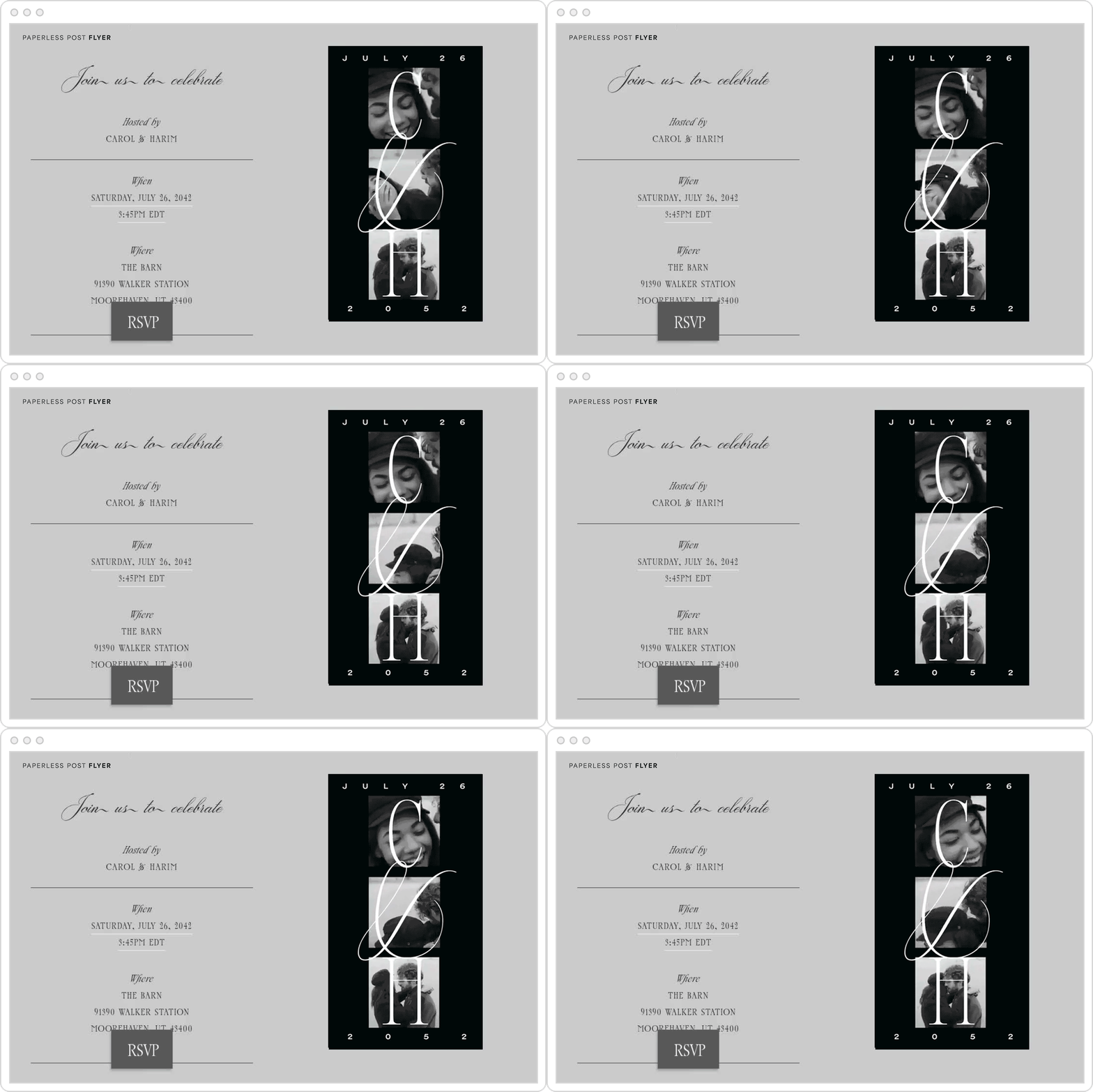
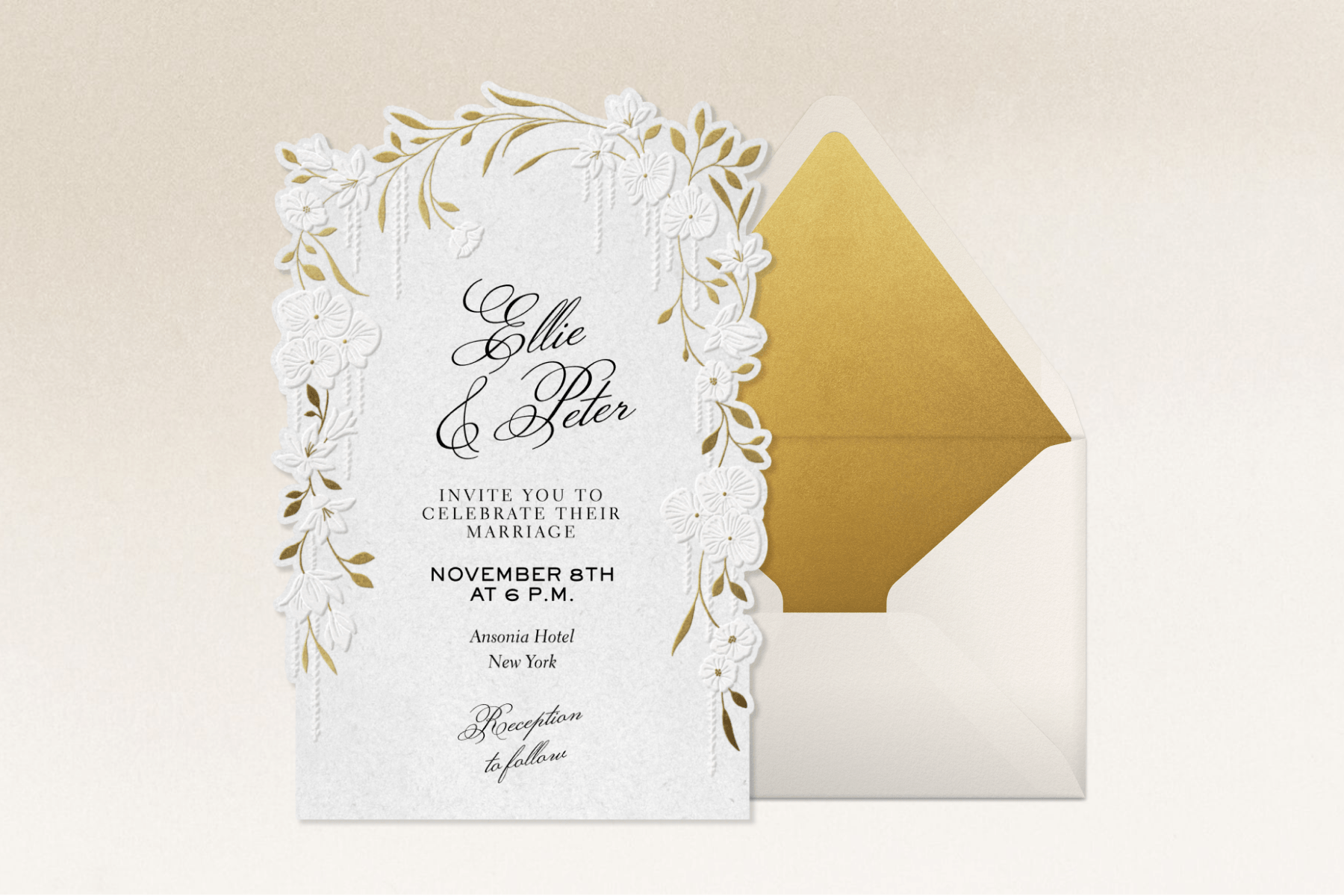
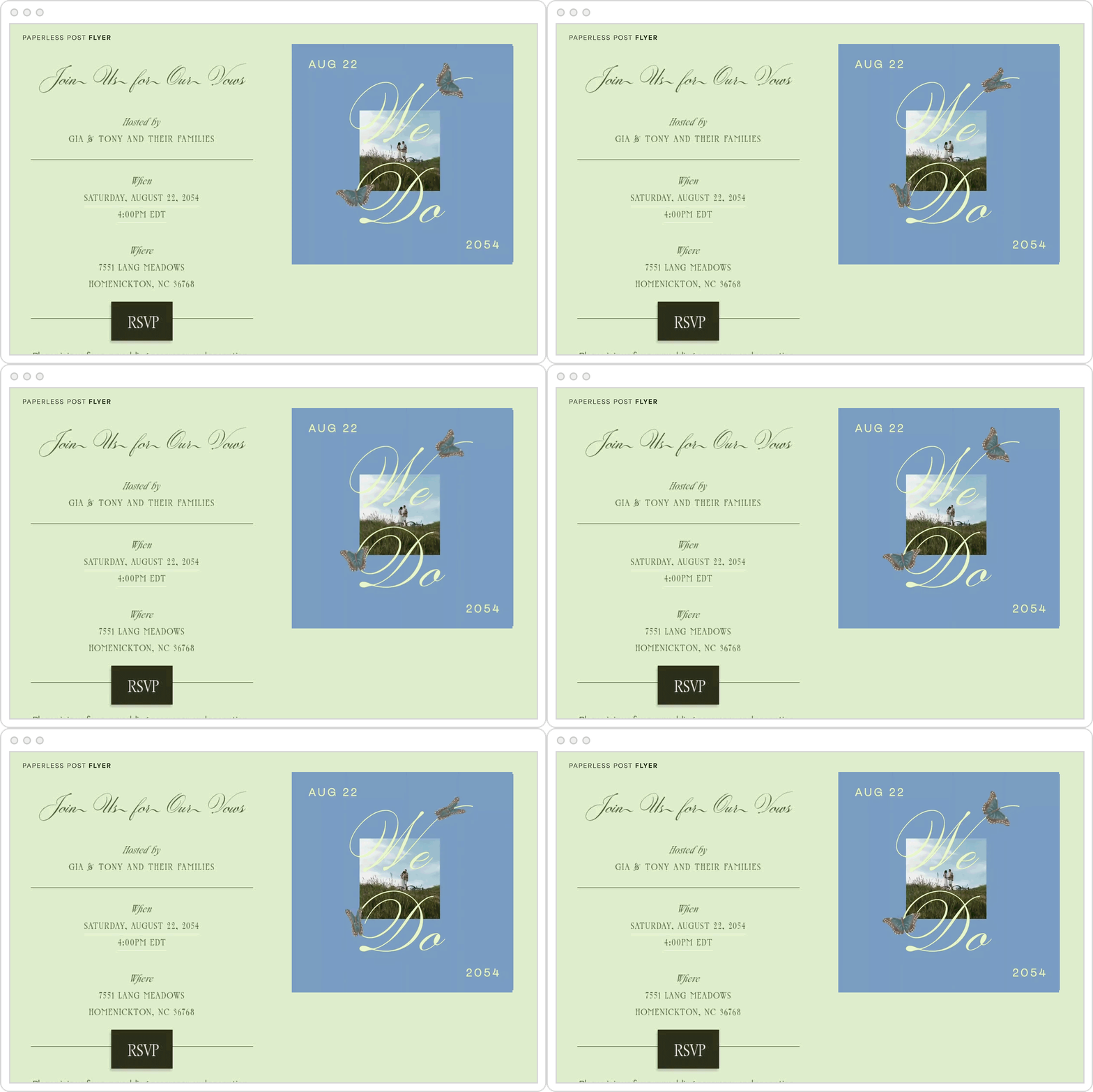
Customizable designs from Oscar de la Renta, Rifle Paper Co., kate spade new york, and more.