How to create and send the perfect birthday invitation with Paperless Post
Any birthday celebration—a first or a 50th—is special in its own right. Loved ones gather on the special day to join the guest of honor in celebrating another memorable trip around the sun. Then, the guest of honor blows out the birthday candles as quickly as possible so everyone can chow down on some tasty birthday cake and let the festivities begin.
Before friends and family walk through the door, creating and sending the perfect birthday invitation is first on any party-planning to-do list. With Paperless Post, creating an invitation design is seamless—and with our suite of intuitive design tools and features, guests will feel the excitement before the birthday party begins.
1. Browse vibrant birthday invitations

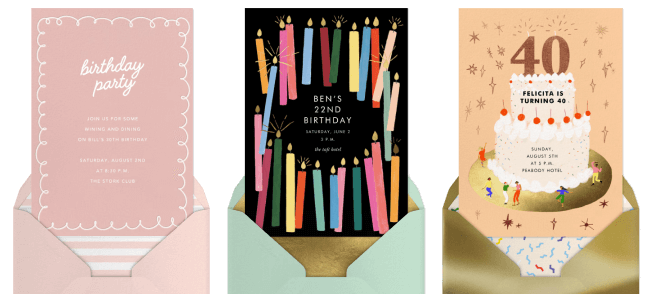
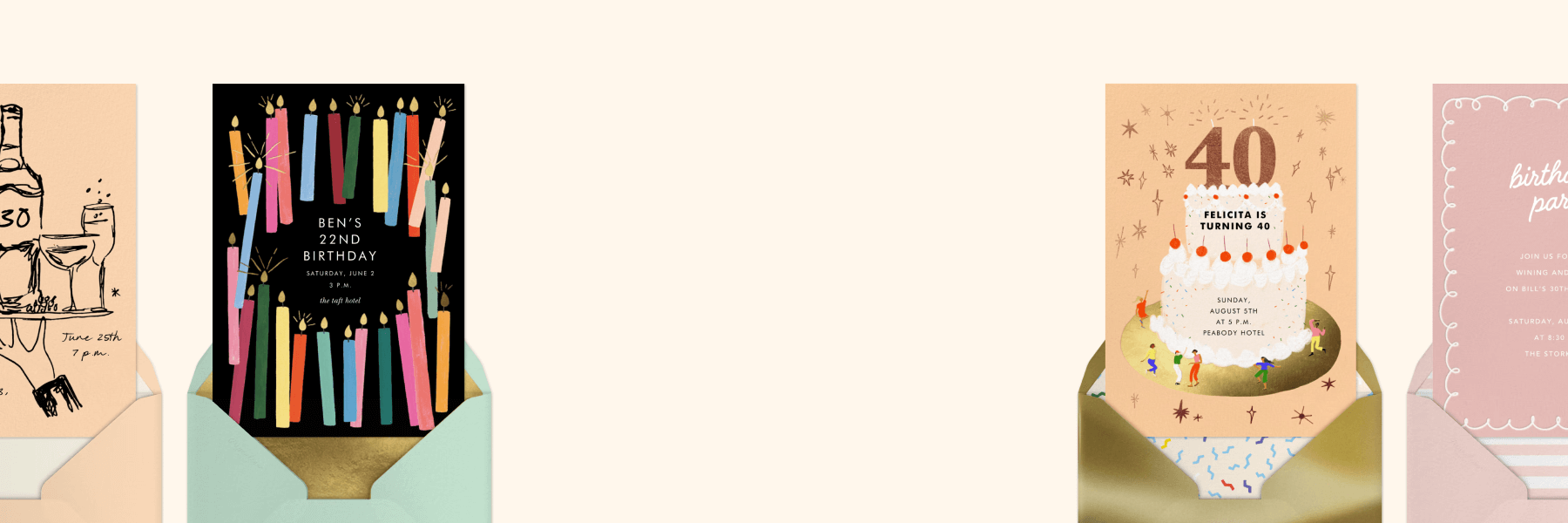
An invitation should reflect the aesthetic of your celebration and build excitement for the party to come. From major milestone birthdays to a kiddo’s 11th b-day bash, we have online invitations for every kind of birthday vibe. Find the category that fits the bill for your celebration, then explore different filters—theme, color, season, and more. From there, you can browse our wide selection of invitation templates we offer across age groups and birthday party themes.
Card or Flyer—which one is right for your birthday party?
For birthday celebrations, we offer both Card and Flyer invitation designs. When it comes to which one you should consider for your party—well—that depends on the design style and general aesthetic you’re into.
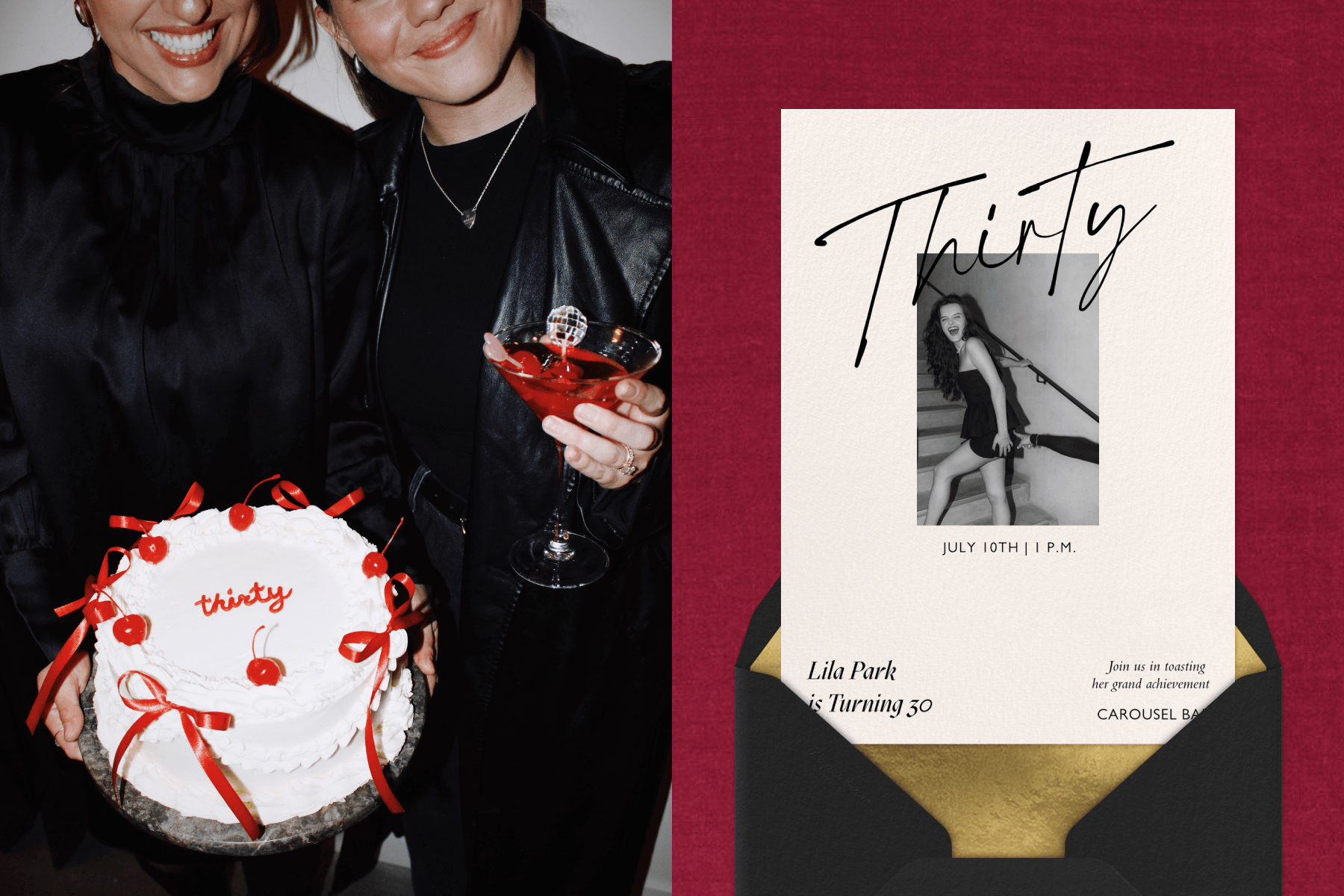
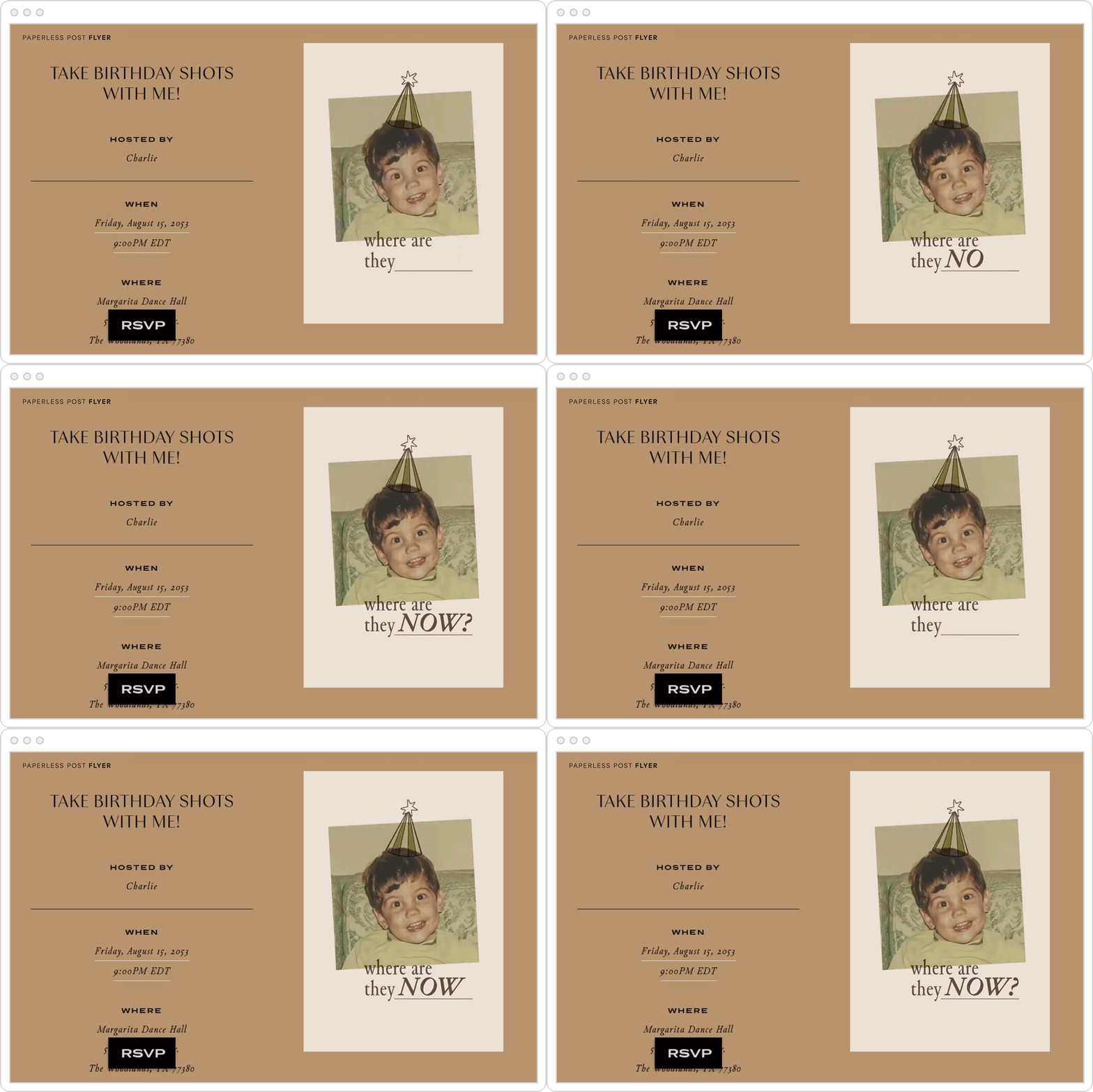
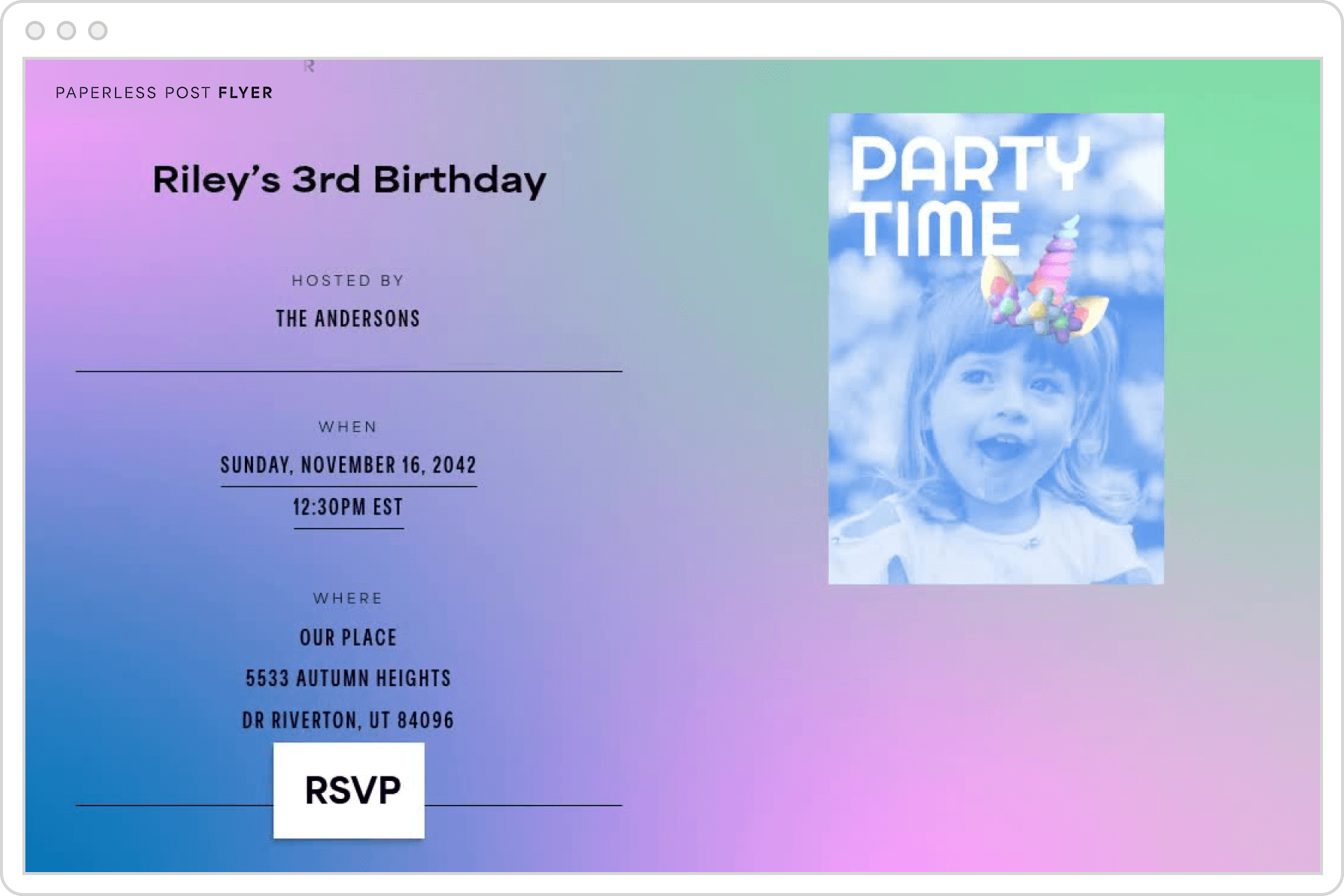
While both Card invitations and Flyer invites are suitable for all the moments that matter, Cards fall into a more formal bucket—leaning into classic stationery designs that are perfect for milestone birthdays, upscale birthday dinners, and rooftop cocktail hours. Some Card add-ons include envelopes, interior liners, and stamps. Flyers are designed with textability especially in mind. They are modern, design-forward templates perfect for any birthday celebration—from themed birthday parties to casual get-togethers. Some Flyer add-ons include different media sizes, filters and image effects, and specialty stickers. To learn more about Flyer invites, read our in-depth guide on designing and sending a fun, memorable Flyer invite to your entire guest list.
2. Customize your invitation
After you choose a birthday design template, it’s time to personalize the invitation to make it yours.
Play with text, color, and fonts
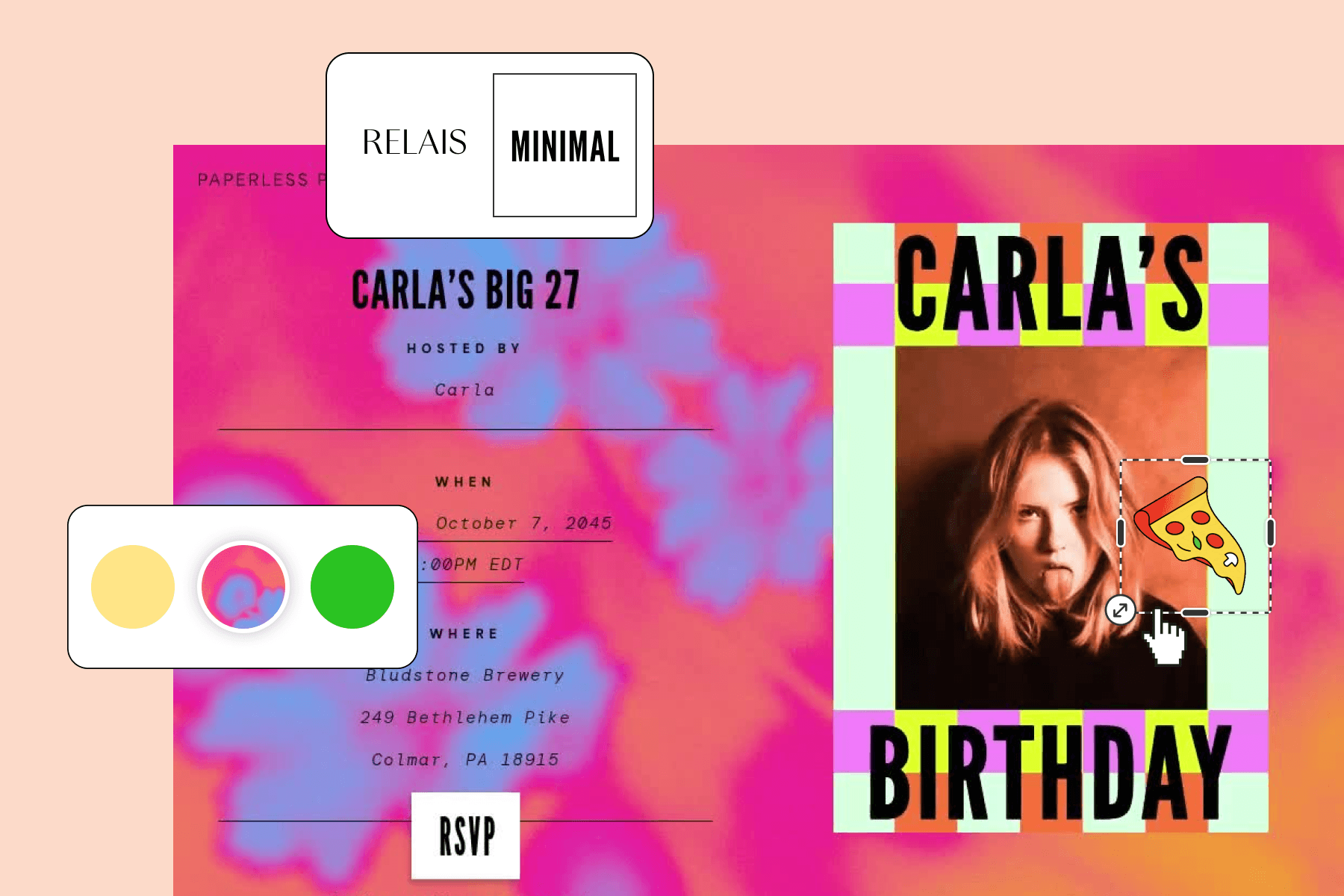
Personalize the text on your design to speak to the guest of honor and their special birthday celebration. Explore our vast library of vibrant colors and playful fonts until you land on a design combo that feels like a masterpiece—then, it’s time to add some flair.
Add photos, GIFs, and stickers
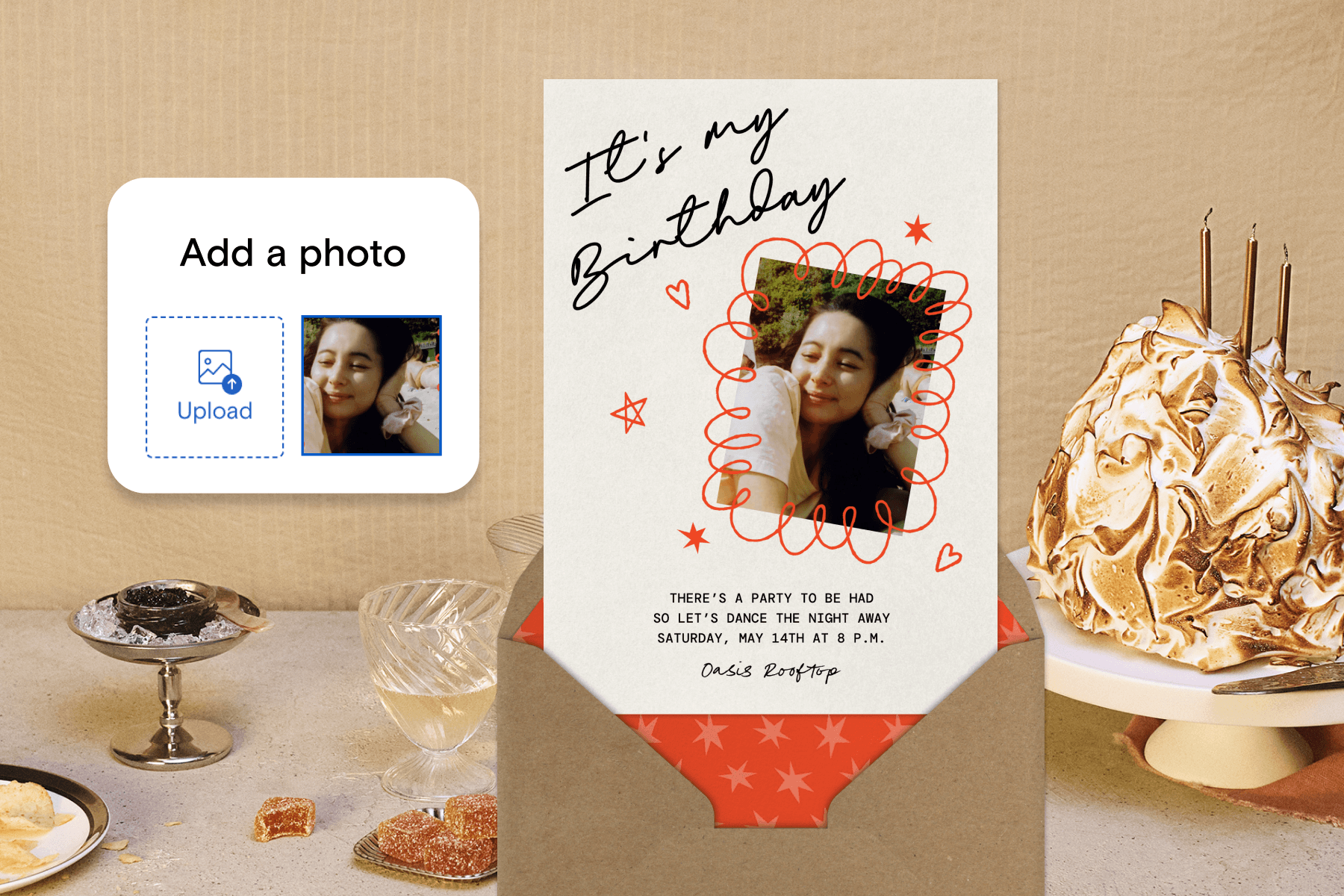
Customize with personal photos, dynamic GIFs, and fun stickers to make the birthday invitation uniquely yours. Have an idea for a new sticker? Try our AI-powered tool, Magic Art, to conjure up a sticker that matches your vision. Simply describe a specific image you’d like to turn into a sticker, and watch the magic happen as it’s generated.
3. Include the birthday party details
What would an invitation be if it didn’t include the necessary event details? Let guests know when and where the birthday party will take place, what time they should arrive, and any other necessary information your guests should be aware of at first glance.
4. Share helpful information with Blocks
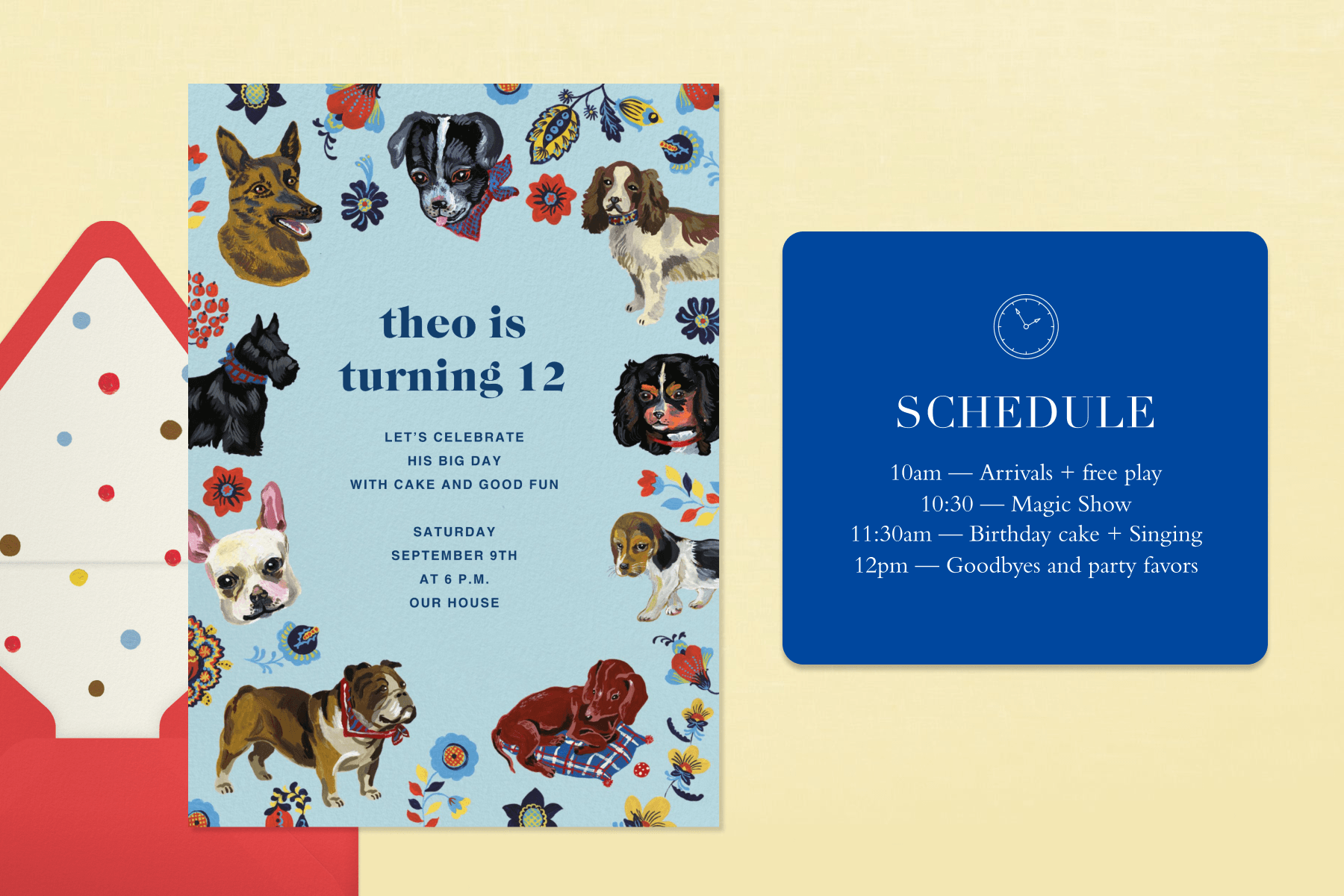
Have extra details to share with your guests but don’t want to clutter the birthday invitation? We have a solution: Blocks. Blocks are a helpful way to share additional birthday party information in organized sections on your event page without making the invitation feel overwhelming. If the guest of honor has a no-gift policy, make that known with a Gifts Block. Want to highlight their best moments? Add a Photo Gallery Block to stroll down memory lane. Explore which Blocks make sense for the birthday celebration as you create the invitation in real time.
5. Personalize your event page
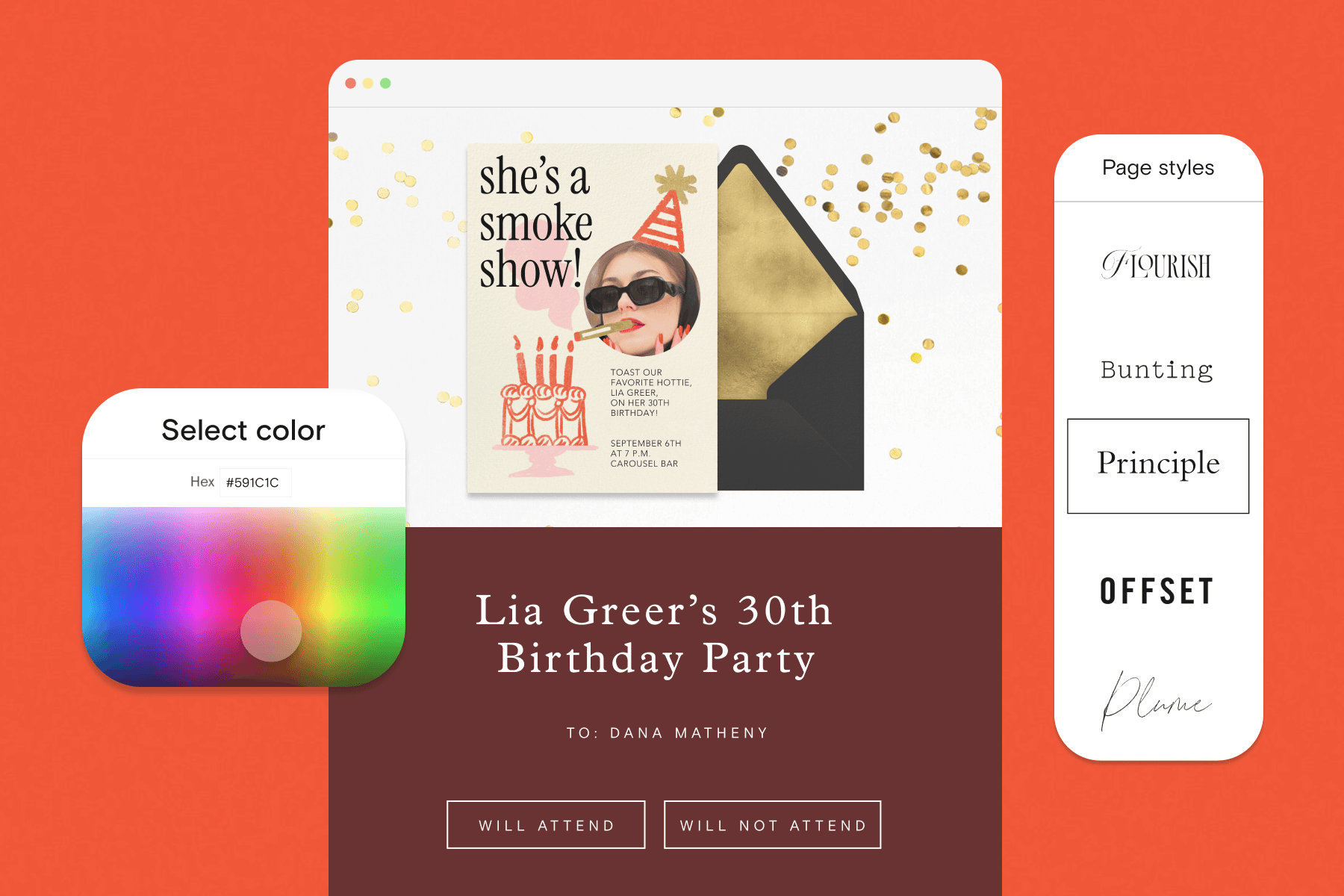
You can change a Card or Flyer’s Page Style and explore different color schemes, fonts, and backdrops that match the birthday theme. Change the format, font, color combo—whatever you think suits your birthday party best—and make the invitation yours one click at a time.
6. Gather information with Guest Questions and Guest Surveys
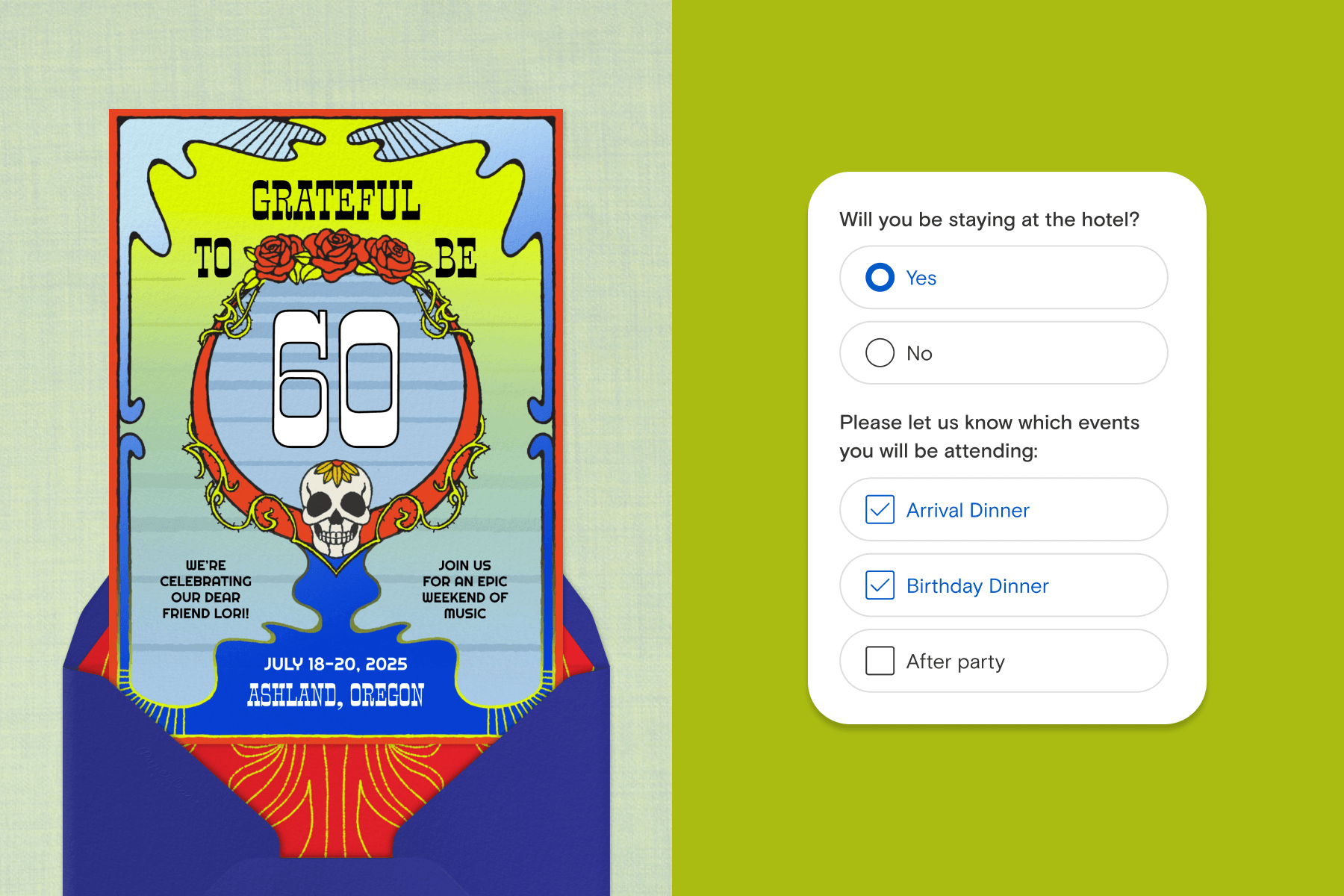
A birthday party has a lot of moving parts—and the menu is one of the anchors to the whole celebration. As the host, it’s important to ask guests about any dietary restrictions or allergies before you order the birthday cake and finalize the main meal. You can collect this information seamlessly by adding Guest Questions or Guest Surveys to your invitation. Guest Questions are best for short answers, and Guest Surveys are great if you’d prefer to offer preset choices and have guests choose from a checklist or multiple-choice selection. These features aren’t only for dietary inquiries—ask guests what they’re bringing if you’re hosting a birthday potluck, whether they plan to bring a bottle or two of wine, or anything else you want to know before you plan the birthday celebration.
7. Add guests your way
Whether you’re keeping the birthday gathering small with close friends only or throwing a birthday bash with extended family, get everyone on the guest list by importing your contacts, uploading a spreadsheet, pasting a list, or pulling from guests you’ve celebrated with at previous parties you’ve hosted. Once your guest list is finalized, everyone is saved in your address book for future events, so you can send invitations to the same loved ones when you host next year’s birthday celebration! If you’re hosting with a friend or family member, add them as a co-host—and they can help manage RSVPs and event updates.
8. Preview your birthday invitation before you send
You may want one final glance at your completed birthday party invitation and event page before sending it to the entire guest list. If you want to see how the invitation looks from the perspective of one of your guests, send yourself a free test invitation via email or text. You can also simply preview the invitation right on our platform, which is helpful if you’re trying to perfect a color scheme or font size. These preview features are great for any birthday celebration—whether you’re sending the invitation to 5 guests or 50.
9. Send the invitations via email, text, or link
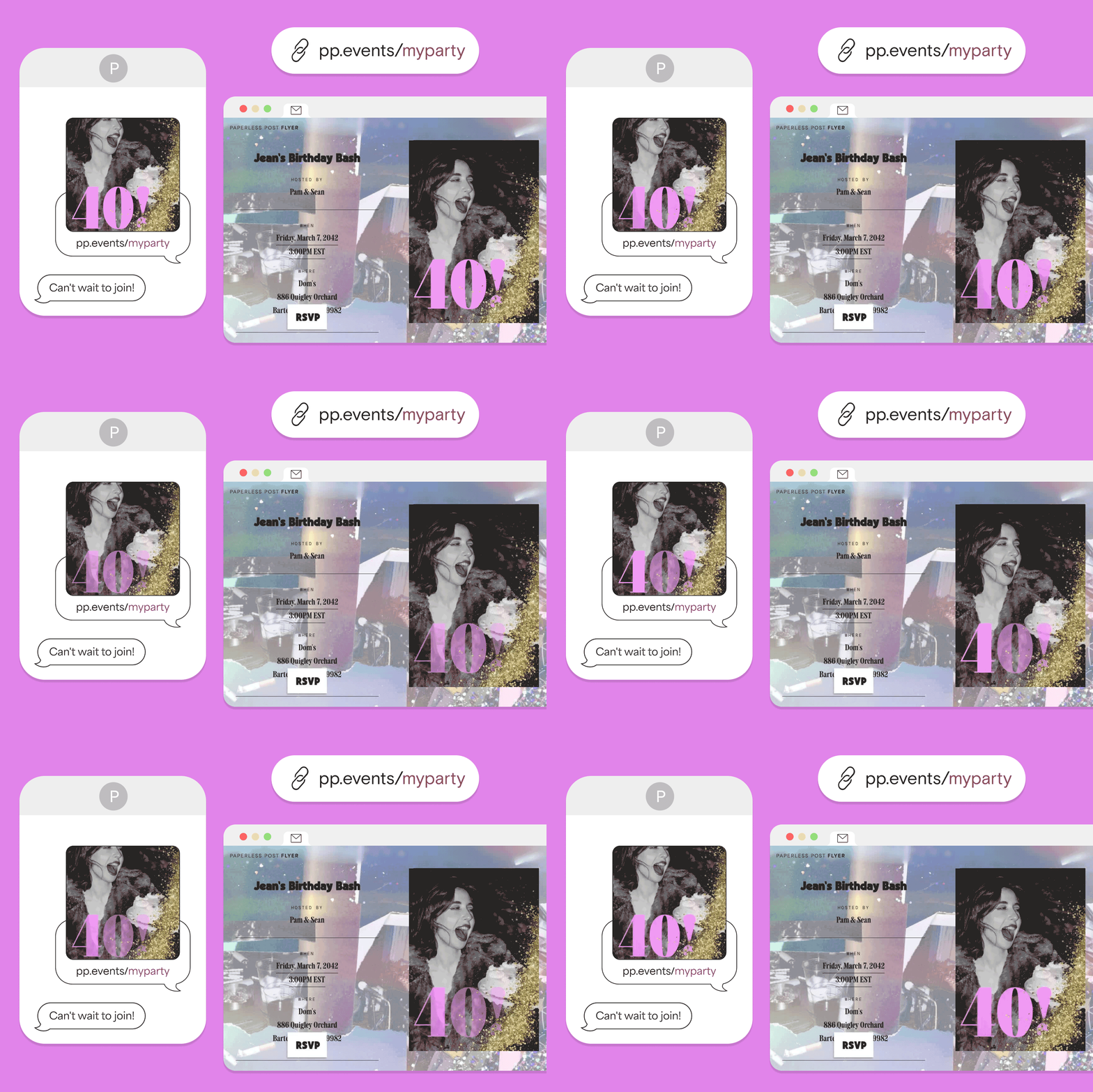
It’s finally time to get the birthday vibes buzzing—your invitation is ready to send. Whether you’re hitting your guests’ inboxes, text threads, or social media comment sections, send the invitation via email, text, or link. Email invitations are a great way to make a lasting impression on your guests and make them feel special, whereas text message invitations are perfect for impromptu birthday bashes and getting responses instantly.
If you’re not sure who else is left to invite, generate a Shareable Link that you can post anywhere—perfect for spreading the word about the birthday party across multiple platforms. With a Shareable Link, you can also let guests forward the invitation to others, so the party can be as big as you want if you’re looking for a bash for the books.
10. Manage your party on the go, in the app
The Paperless Post app helps you keep all of your birthday party needs in your back pocket. At the grocery store, grabbing passed bites, and you see a last-minute “regrets” turn into a “yes”? No problem—you can track RSVPs in one place, on the go, all the time. You can also check guests in as they arrive at the birthday party in the app, so there’s no guessing on who’s ready to watch the guest of honor blow out the candles.
Birthday invitation FAQ
How do I make a birthday invitation online?
You can create a birthday invitation online by browsing Paperless Post for a birthday party design template, then using our invitation maker to customize the design to your liking. You can explore different fonts, colors, and stickers, upload photos, then personalize the Page Style to make the invitation uniquely yours.
What is the easiest way to create a birthday invitation?
Creating a birthday invitation is seamless with Paperless Post’s invitation maker. Our full suite of easy-to-use design tools makes it easy for anyone to create the perfect birthday party invitation, from choosing a template to finalizing the Page Style and sending the invitation to your entire guest list.
How do I design and send a digital birthday invitation?
Design your birthday invitation in our invitation maker, upload your guest list using your preferred method, then send via email, text, or Shareable Link.
What should I include in a birthday party invitation?
In your birthday party invitation, you should include the name of the person who’s being celebrated, location, time, dress-code details, and any other information you feel is important for your guest list to keep in mind. You can add Guest Questions or Guest Surveys to any invitation to ensure that you note any dietary restrictions or allergies, then plan your birthday party accordingly.
Are Paperless Post invitations free?
We offer both free and paid templates for both Cards and Flyers. When browsing invitation templates, you can filter by free designs. Additional customizations may fall under paid feature sets, depending on which customizations you’d like to make.
Can you change event details after you send a Card or Flyer?
Yes, you can edit event details on both Cards and Flyers. All you need to do is find the “My Events” page, click on your birthday event’s invitation, then edit the event details directly in the editor.
Plan your best birthday yet with Paperless Post
Whether you’re celebrating an adult birthday or a little one’s 6th trip around the sun, Paperless Post has an invitation for every birthday occasion. From easy-to-use design tools to intuitive guest management features, we’re here to help make your birthday one for the books—one invitation at a time.

Celebrate another year with customizable designs you can email, text, or share.