How to use the Paperless Post app
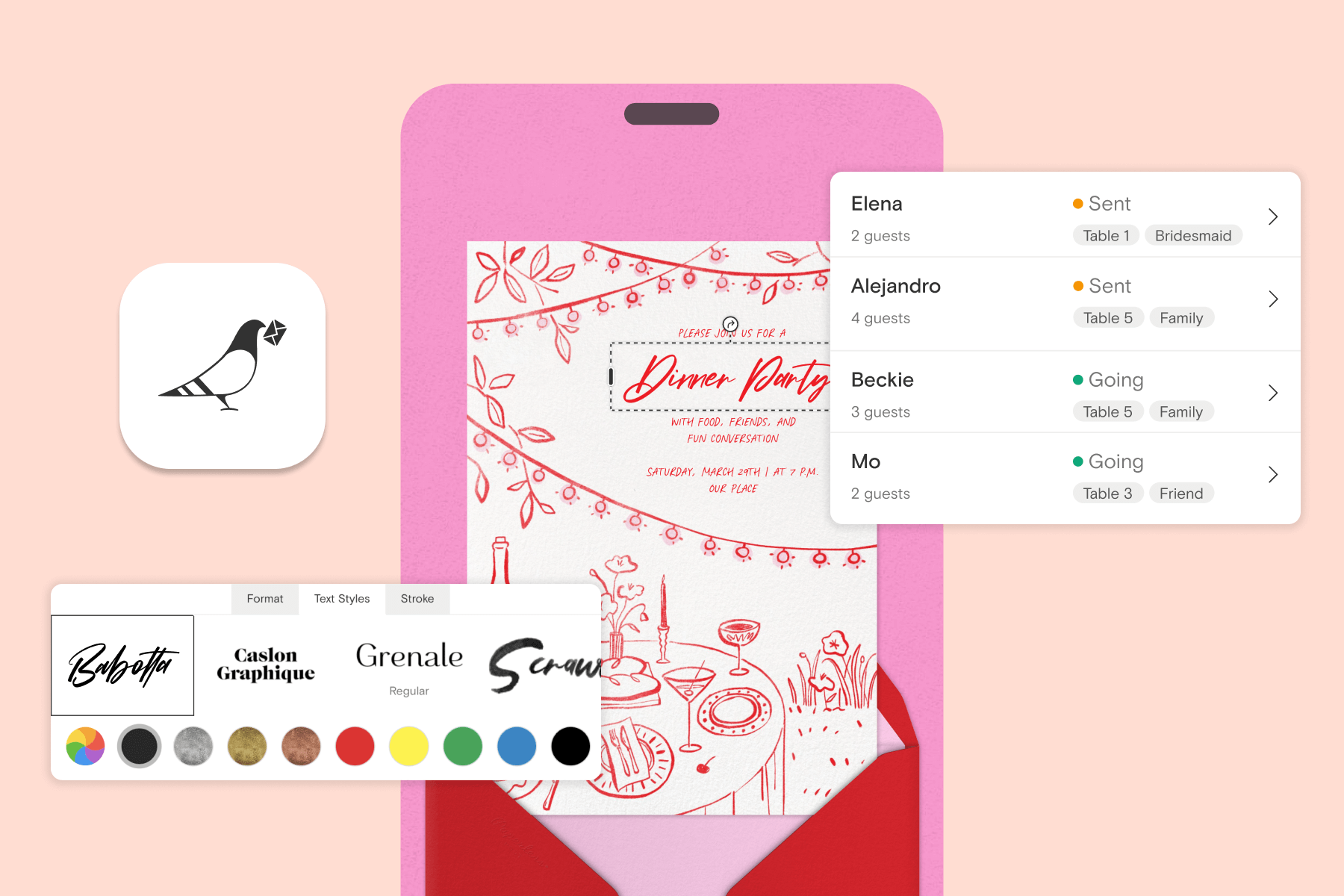
Planning a party is more fun when the tools you need are easy to use—and that’s exactly what the Paperless Post app is built for. The app is simple, intuitive, and packed with features that make it easier than ever to design invitations, manage your guest list, track RSVPs, and stay organized from first idea to final thank-you. Best of all, it works alongside the Paperless Post desktop experience, giving you the flexibility to design and manage your event from wherever you are.
The Paperless Post app is free to download, ad-free, and available for Apple and Android devices—phones and tablets included. Below, we’ll walk through some of the app’s most useful features so you can make the most of every invitation you send.
How to use the Paperless Post app
Browse Cards and Flyers

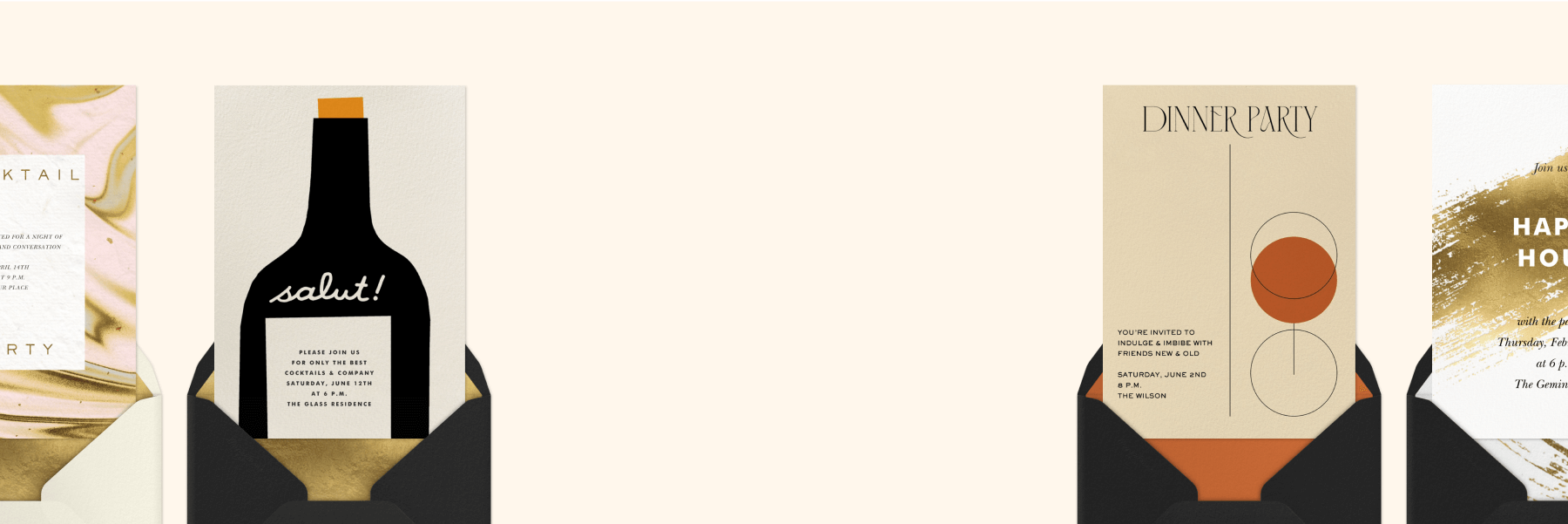
When you open the app, one of the first things you’ll notice is how easy it is to explore all the different invitation designs available. You can browse Cards and Flyers for every kind of gathering imaginable—first birthdays, corporate events, cocktail parties, holiday dinners, casual get-togethers, and everything in between. The app organizes designs into helpful categories and themes, so you can quickly narrow down your search or simply scroll for inspiration.
Cards offer a classic, stationery-inspired look, perfect for occasions where you want a more polished or traditional feel. They’re beautifully designed, customizable, and great for events like weddings, showers, milestone birthdays, or formal celebrations. Flyers, on the other hand, are fun, highly shareable, and built to stand out. They function as textable online event pages that you can personalize with animations, colors, stickers, and moving elements—ideal for work parties, casual gatherings, or anything with a playful vibe.
Whether you know exactly what you’re looking for or you’re just browsing ideas, the app makes it simple to preview designs, tap into full-screen views, and explore personalization options. You can switch between Cards and Flyers anytime, compare styles, or save your favorites for later. It’s the easiest way to discover a design that matches your event’s energy and sets the tone from the moment your guests open it.
Create and customize your event

You don’t need a computer to tailor your invitation—everything you need is built right into the app. Add photos, adjust colors, update fonts, personalize your message, and choose layout styles using easy, mobile-friendly tools. Whether you’re going for something classic and polished or bold and animated, you can design your event exactly the way you want it.
Import guests from your phone contacts
Say goodbye to manually typing in names and numbers. When you use the Paperless Post app, you can instantly pull guest information from your phone’s contact list and add it directly to your invitation—perfect for text or email sending. This makes building a guest list quick, accurate, and stress-free.
Note that on the mobile app, you can only import phone numbers that already exist in your contacts or have been used in a previous Paperless Post mailing list.
Send invitations your way

Now that your invitation is designed, it’s time to send it out to your guests. Whether you’re inviting a few friends to an intimate dinner or sharing details for a large corporate event with hundreds of attendees, the Paperless Post app makes sending simple and flexible.
You can choose the delivery method that works best for your group: email, text message, or a Shareable Link. Sending by email or text is perfect when you already have your guest list ready to go. If you want to post your invitation more broadly, a Shareable Link gives you the freedom to drop your invitation anywhere: social media, a work Slack channel, WhatsApp, a group chat, or even your own email draft.
View and manage all upcoming events
The app keeps all your events—both the ones you’re hosting and the ones you’ve been invited to—organized in one convenient place. This becomes especially helpful during busy seasons, like the holidays, when you may be juggling multiple gatherings at once.
Within each event, you can easily review details, check your RSVP list, and communicate directly with guests using the built-in messaging feature. Need to send a reminder or follow up with someone privately? You can do it right from the app. Every message you send or receive is stored for future reference, so you always have a record of your conversations without digging through texts or email threads.
Get event notifications
One of the biggest advantages of the Paperless Post app is the ability to receive instant updates. Instead of refreshing your RSVP page on a browser, you can enable notifications to get real-time alerts when guests respond or send you a private message. It’s a satisfying way to stay connected to your event—every “yes” RSVP or new message appears right on your phone as it happens.
You can control your notification preferences from the My Account page at any time and adjust them based on how involved you want to be. While push notifications are not currently available on Android, all users can still check their RSVP list at any point by visiting the Manage Tracking page for their event. It’s an easy way to stay on top of planning without any extra work.
Use guest check-ins on event day

The Paperless Post app also gives you a seamless way to check guests in as they arrive—no spreadsheets, no clipboards, and no confusion at the door. This feature is especially helpful for larger or more formal events, where it’s important to keep track of who actually attends, not just who RSVP’d.
Available exclusively on the iOS and Android apps, Guest Check-in lets you turn your phone or tablet into a simple, on-the-spot check-in tool. Once you’ve enabled the option on the event menu, a check-in toggle will appear at the top of your tracking page. On the day of your event, all you need to do is tap it on and check off guests as they walk in. It works for both Card and Flyer invitations, and once the event is over, you’ll have a clear record of everyone who showed up—perfect for professional follow-ups, attendance reporting, or simply keeping your event history organized.
Add a co-host
Need help running the event? You can add a co-host even after an invitation has been sent. Co-hosts get a view-only version of your Manage Tracking page, so they can see RSVPs and guest details but can’t change the invitation design or add recipients.
To add a co-host from the app, open your Manage Tracking page, tap ‘Add a co-host’ at the top, enter the email address associated with their Paperless Post account, then tap ‘Add.’
It’s a simple way to share planning duties with a partner, friend, or colleague.
Paperless Post app FAQs
How do I download the Paperless Post app?
Search “Paperless Post” in your device’s app store—the App Store for Apple or Google Play for Android—and tap Download. It’s completely free.
Is the Paperless Post app compatible with iPhone and Android?
Yes! You can download the app for iPhone via the App Store and for Android through Google Play.
Is the Paperless Post app available in my country?
Our app is available in more than 50 countries. If you’re an iOS user, click here to view the full list. And if you’re an Android user, click here.
Plan your next event with the help of the Paperless Post app
Whether you’re sending out birthday party invitations, organizing a work event, or planning a backyard get-together with friends, the Paperless Post app keeps everything simple and stress-free. Browse designs, personalize your event, send invitations in seconds, manage RSVPs, and stay organized—all from your phone or tablet. Download the app and make your next celebration easier from the very first tap.



Whatever the occasion, find exclusive designs to suit your style and make planning a breeze.